Choose Your Path to Expertise

Unigraphics NX CAD – Detailed Course Comparison

Course Details Foundation Mastery
Official Name Foundation UG NX CAD Mastery UG NX CAD
Duration 1 Months 2 Months
Skill Level Beginner to Intermediate Intermediate to Advanced
Practice Files Provided Provided
Mode Hybrid (Live + Recorded) Hybrid (Live + Recorded)
2D Sketching Included Included
3D Solid Modeling Included Included
Surfacing Basic Surfacing Advanced Surfacing
Reverse Engineering Not Included Basic Included
Assembly Design Basic Assembly Advanced Assembly
Expressions & Parametric Design Not Included Included
Design Complexity Simple to Medium Models Complex & Industry-Level Models
Recorded Session Access Available Available
Suitable For Beginners & Freshers Advanced Learners & Professionals
Brochure Download PDF Download PDF

UG NX Course Faculty

Rahul Sharma - UG NX Expert

Rahul Sharma

Lead Mold Design Engineer 15+ Years Industry Experience

Mr. Rahul Sharma is a CAD/CAM expert and Tool & Die Engineer with extensive experience in Unigraphics NX software and plastic mould designing. He focuses on practical, easy-to-understand teaching that connects software learning with real industrial work, helping students develop strong CAD skills and hands-on experience through real-world projects.

Join Our Free Unigraphics NX CAD Training Demo

Professional Unigraphics NX CAD Training for 2D & 3D Design

Get a clear understanding of Unigraphics NX CAD tools,
design structure, and practical learning approach before enrollment.

RSTOOLS Unigraphics NX CAD Course Overview

This course focuses on Unigraphics NX CAD softtware training, covering 2D drafting, 3D solid modeling, surfacing, drafting, and assemblies. Learners develop strong product design skills using STL CAD practices and real design exercises. The course is designed to build a clear CAD understanding for engineering and manufacturing applications.
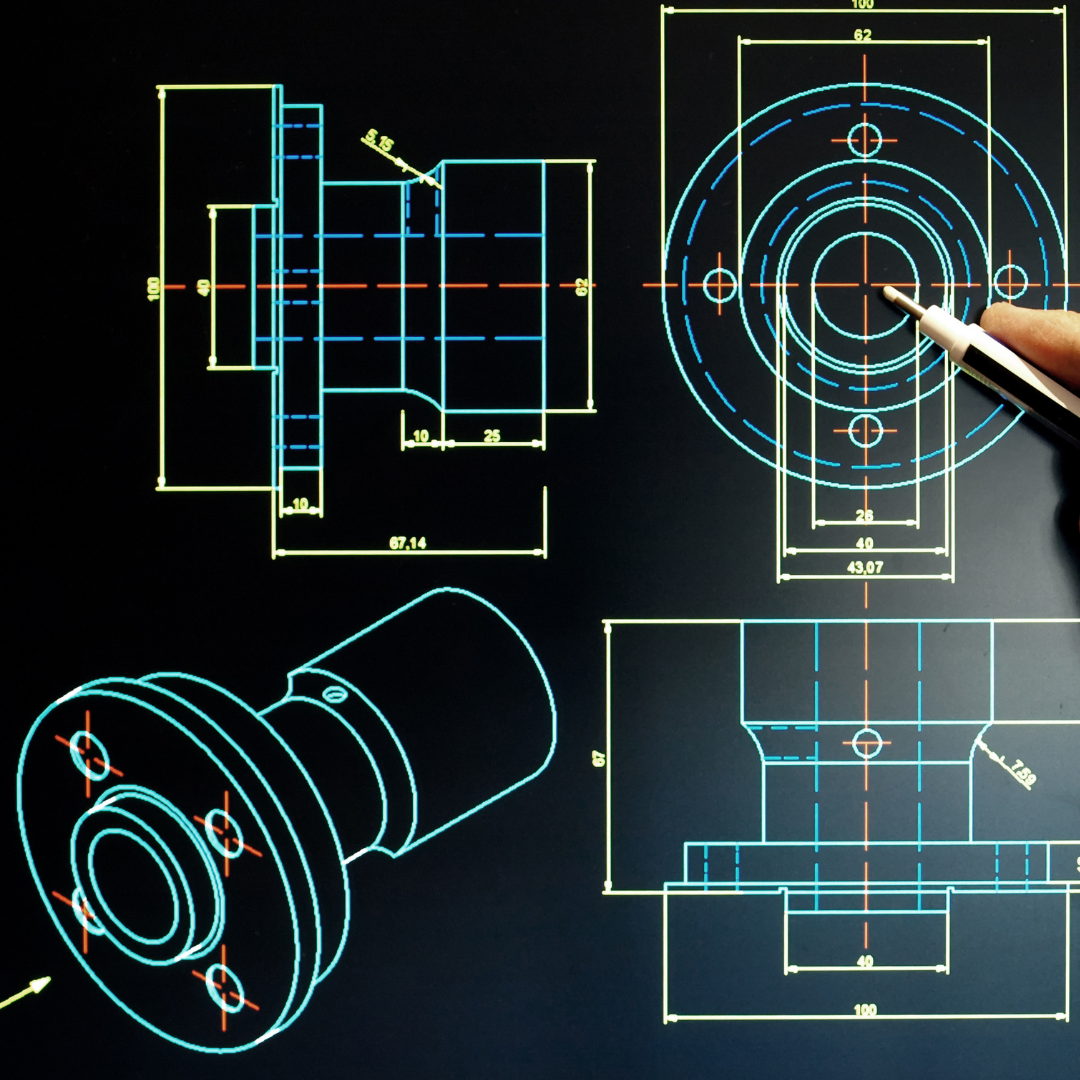
  • Complete 2D & 3D Modeling
  • Advance Surfacing Concepts
  • Expressions Concepts
  • Drafting & Assembly
  • Reverse Engineering
  • Core & Cavity
RSTools UG NX CAD Training

Apply for Upcoming Unigraphics NX CAD Batches

Enter your details below to get the full course syllabus and pricing.

FAQ – Unigraphics NX CAD Training

Everything you need to know about our Unigraphics NX certification and technical training breakdown.

1. Are there any demo sessions available for UG NX?
Yes, we provide a 3-Day Free Demo Session. This allows you to experience our industry-oriented teaching style and see how we cover complex UG NX modules before you enroll.
2. What modules are covered in the Unigraphics NX CAD training?
The course covers 2D Sketching, Solid Modeling, Surface Modeling, Drafting, Assemblies, and Part Design to give a complete CAD design understanding.
3. Is reverse engineering included in this course?
Only basic reverse engineering concepts are introduced. Advanced reverse engineering has a separate dedicated course.
4. Do I need prior CAD experience to join the Foundation level?
No prior CAD experience is required for the Foundation Level. We start from the basics of the UG NX interface and gradually move to advanced design logic.
5. Which version of NX is used in this UG NX CAD course?
This course uses Unigraphics NX version 12, covering all essential modules for 2D drafting, 3D modeling, surfacing, assemblies, and drafting.
6. Who is the lead trainer for this course?
The course is led by Mr. Rahul Sharma, a Design Expert with 15+ years of software experience and 10+ years in specialized Plastic Mold Designing.
7. Is the UG NX certificate valid for jobs in the industry?
Yes, you receive a Certificate of Completion from RSTools India. Our reputation as a manufacturing firm makes our certification highly valued by employers in the automotive and plastic industries.
8. What career roles can I apply for after completing this course?
You will be qualified for roles such as UG NX Design Engineer, CAD/CAM Specialist, Tool & Die Designer, and Product Development Engineer.
9. Does RSTools India provide placement assistance?
Yes, we provide 100% Placement Support for our students. We leverage our industrial network to help you secure positions in leading manufacturing and design firms.
10. How do I choose the right batch and timing?
We offer Hybrid Training (Live + Recorded) with flexible schedules. Contact our counselors via the form above or WhatsApp to find a batch that fits your availability.