Choose Your Path to Expertise

Unigraphics NX CAD – Detailed Course Comparison

Course Details Foundation Mastery
Official Name Foundation UG NX CAD Mastery UG NX CAD
Duration 1 Months 2 Months
Weekly Schedule 3 Classes 4 Classes
Mode Hybrid (Live + Recorded) Hybrid (Live + Recorded)
Software Used Unigraphics NX 2012 Unigraphics NX 2012
Brochure Download PDF Download PDF

Autodesk PowerMill CAM Course Faculty

Rahul Sharma - UG NX Expert

Rahul Sharma

Professional Design Engineer 15+ Yrs CAD/CAM Expertise

Mr. Rahul Sharma is a Tool & Die Engineer with extensive experience in CAD/CAM design. He is also the founder of a successful mould manufacturing company, where he applies his expertise in real-world industrial projects. Outside of work, Mr. Rahul Sharma enjoys teaching and sharing his knowledge, helping aspiring engineers develop practical CAD/CAM and mould designing skills.

Join Our Free Autodesk PowerMill CAM Training Demo

Advanced Autodesk PowerMill CAM Programming for CNC Machining

Get a clear understanding of PowerMill CAM programming,
CNC machining process, and practical workflow before enrollment.

RSTOOLS Autodesk PowerMill CAM Course Overview

This course provides in-depth Autodesk PowerMill CAM Software training focused on CNC/VMC machining and CAM programming. Students learn toolpath strategies, machining workflows, and practical CAM methods used in manufacturing environments. The training helps build CAM skills for real manufacturing and machining work.
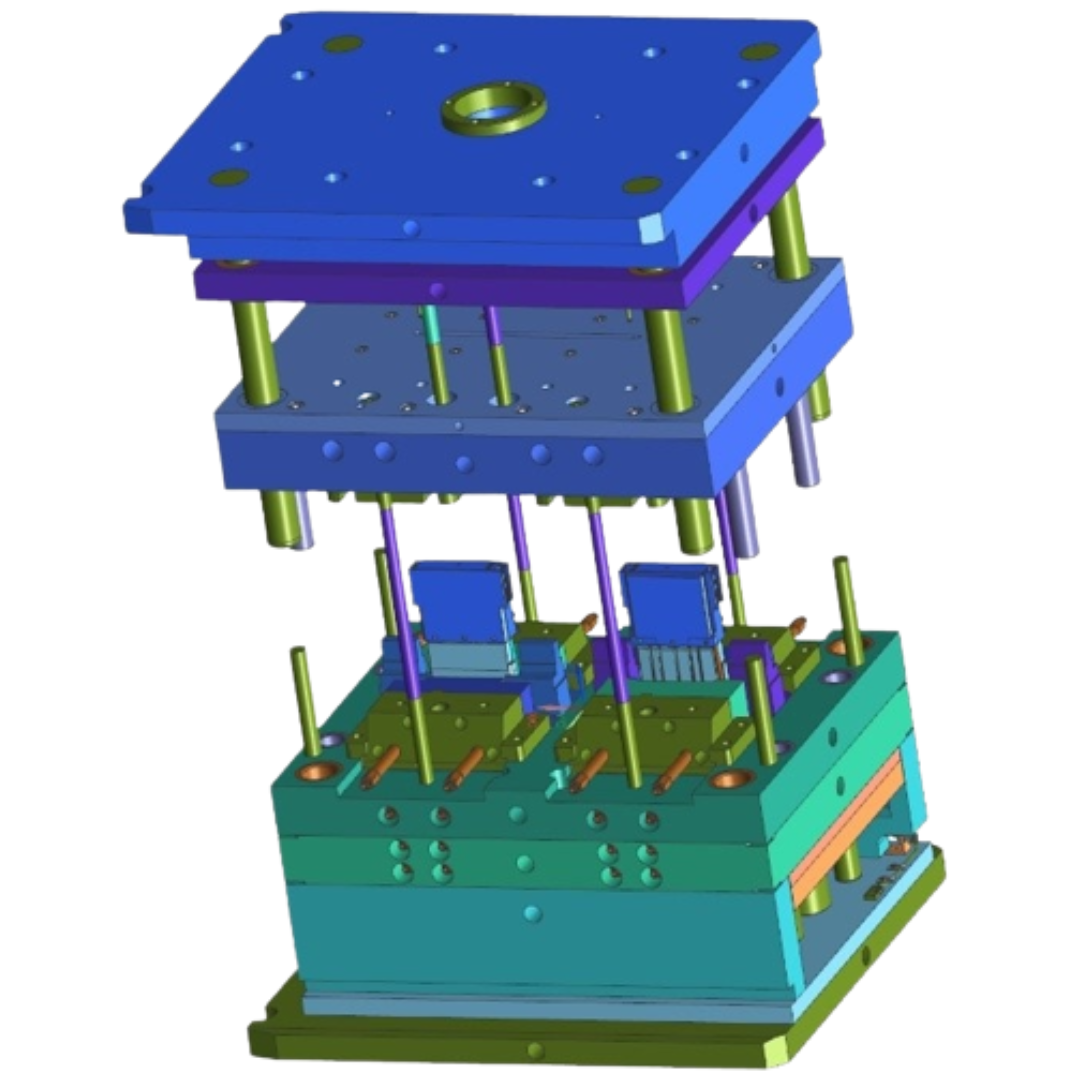
  • Toolpath Strategies
  • Finishing Techniques
  • Tools Understanding
  • G-M Codes & GD&T
  • Expert Mentorship
  • Live Projects
RSTools UG NX CAD Training

Apply for Upcoming Autodesk PowerMill CAM Batches

Enter your details below to get the full course syllabus and pricing.

FAQ – Autodesk PowerMill CAM Course

Everything you need to know about our Autodesk Powermill certification and technical training breakdown.

1. Are there any demo sessions available for Autodesk Powermill Course?
Yes, we provide a 3-Day Free Demo Session. This allows you to experience our industry-oriented teaching style and see how we cover complex Autodesk Powermill Modules before you enroll.
2. Which version of Autodesk PowerMill is used in this course?
This course uses the latest Autodesk PowerMill version, covering essential modules for CNC machining, toolpath creation, and CAM programming
3. Does the Autodesk PowerMill CAM course include practical training?
Yes, all practical training is conducted using real manufacturing examples from our own CNC and tool-making unit.
4. Are recorded sessions available after the CNC Programming course?
Yes, recorded sessions are provided, allowing you to revisit lessons anytime within your course access period.
5. What topics are included in the PowerMill CAM training?
The course covers 2.5D & 3D toolpath strategies, CNC machining workflow, stock setup, tool libraries, and simulation, providing practical CAM knowledge.
6. Does this course provide job or internship assistance?
Yes, the training includes internship support and job guidance to help you become job-ready in CAM and CNC programming roles.
7. Does this Powermill course cover CNC machining simulations
Yes, students learn machining simulations and toolpath validation to ensure error-free production.